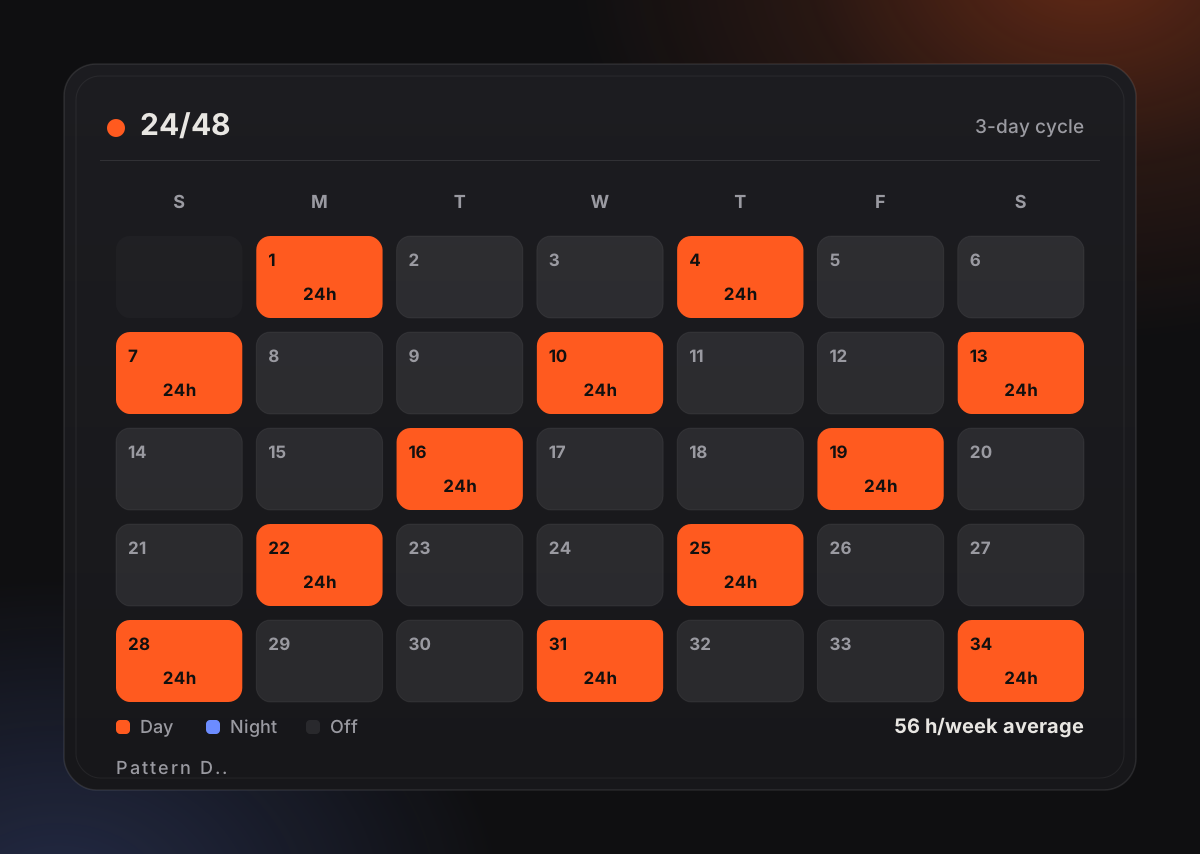
Every real shift rotation, drawn onto a live calendar
Browse the patterns crews actually work — what each one costs you in hours, and how Kairos puts it on your iPhone, iPad, Mac and Watch.
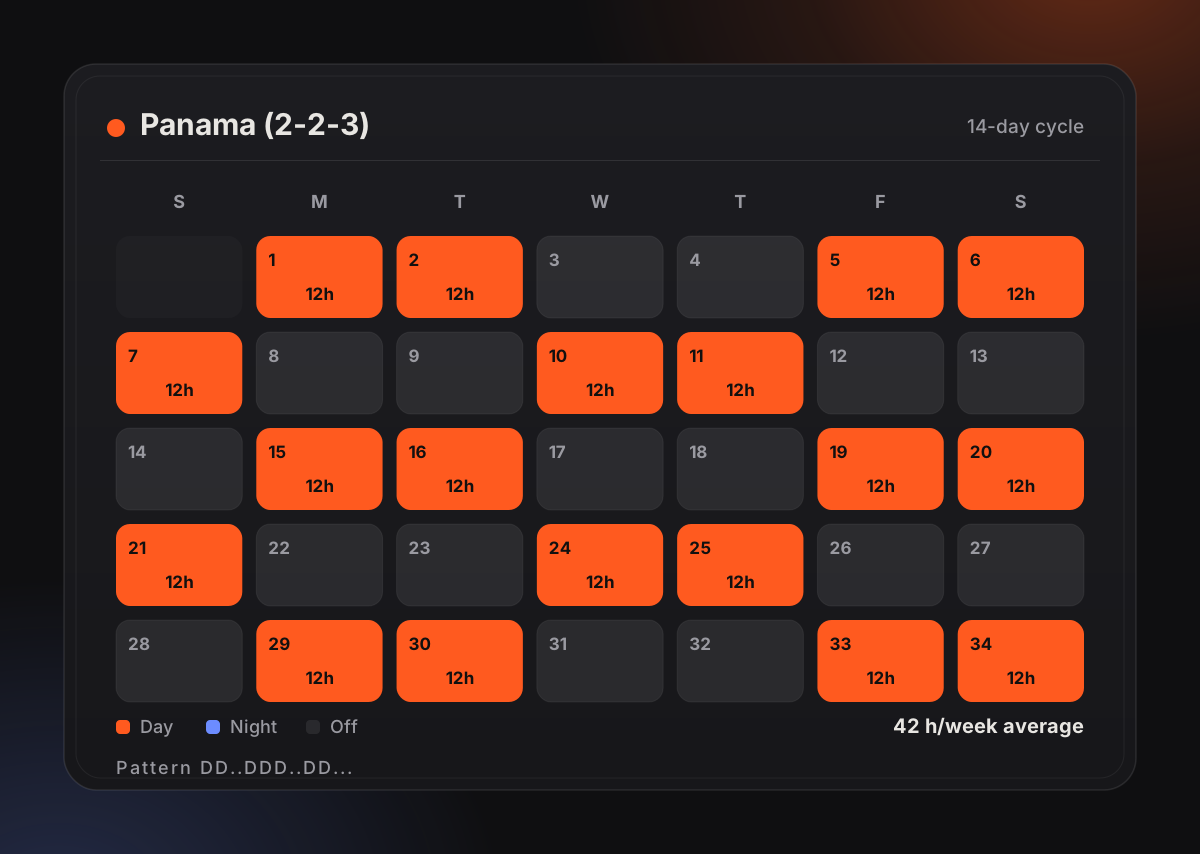
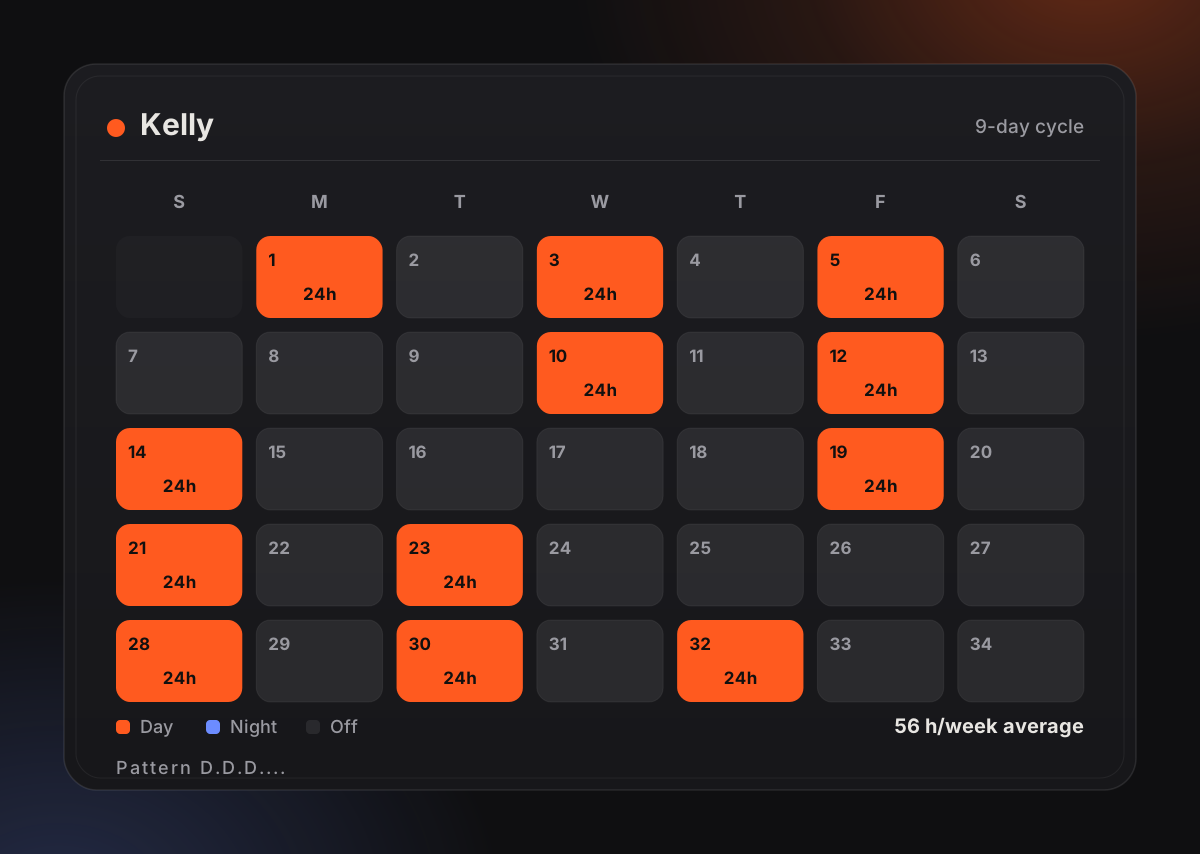
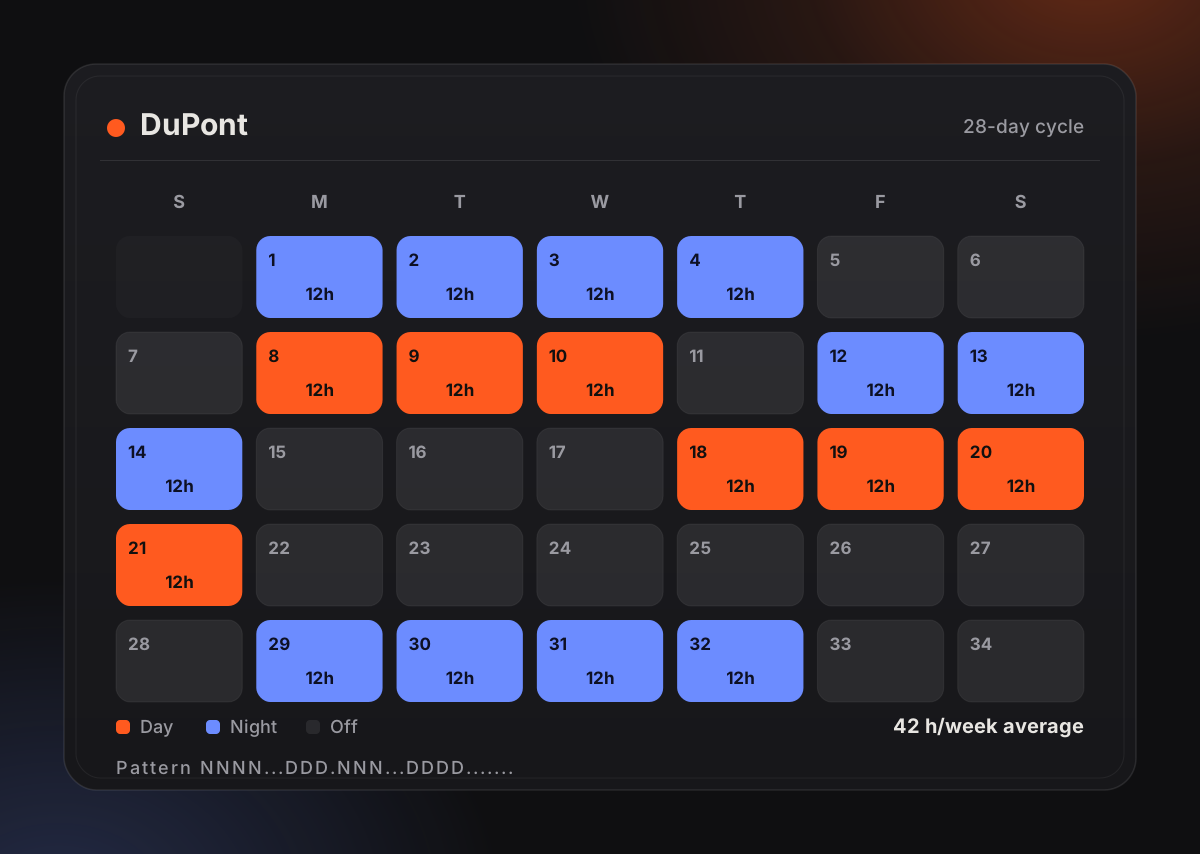
Pick a rotation, then move your pointer to look around it.
Drag to orbit the scene — these are the real app screens, rendered live in WebGL.
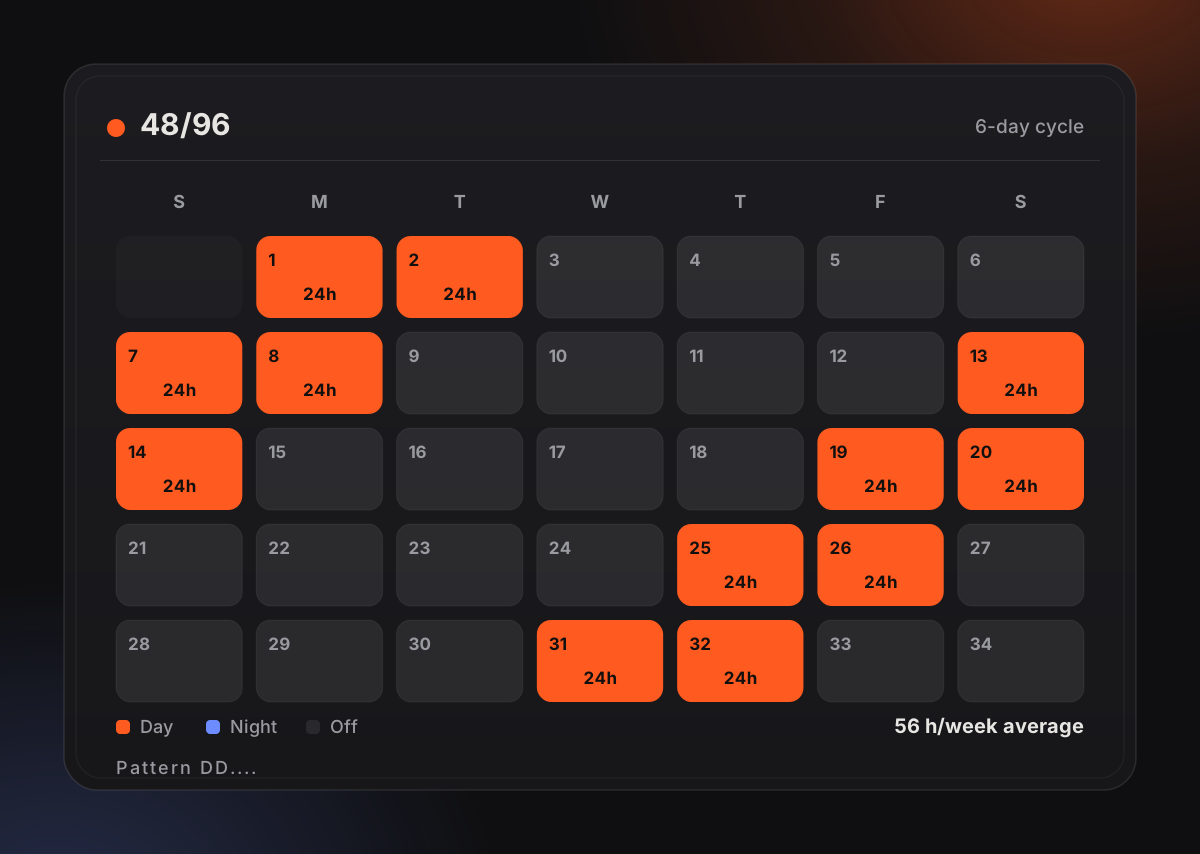
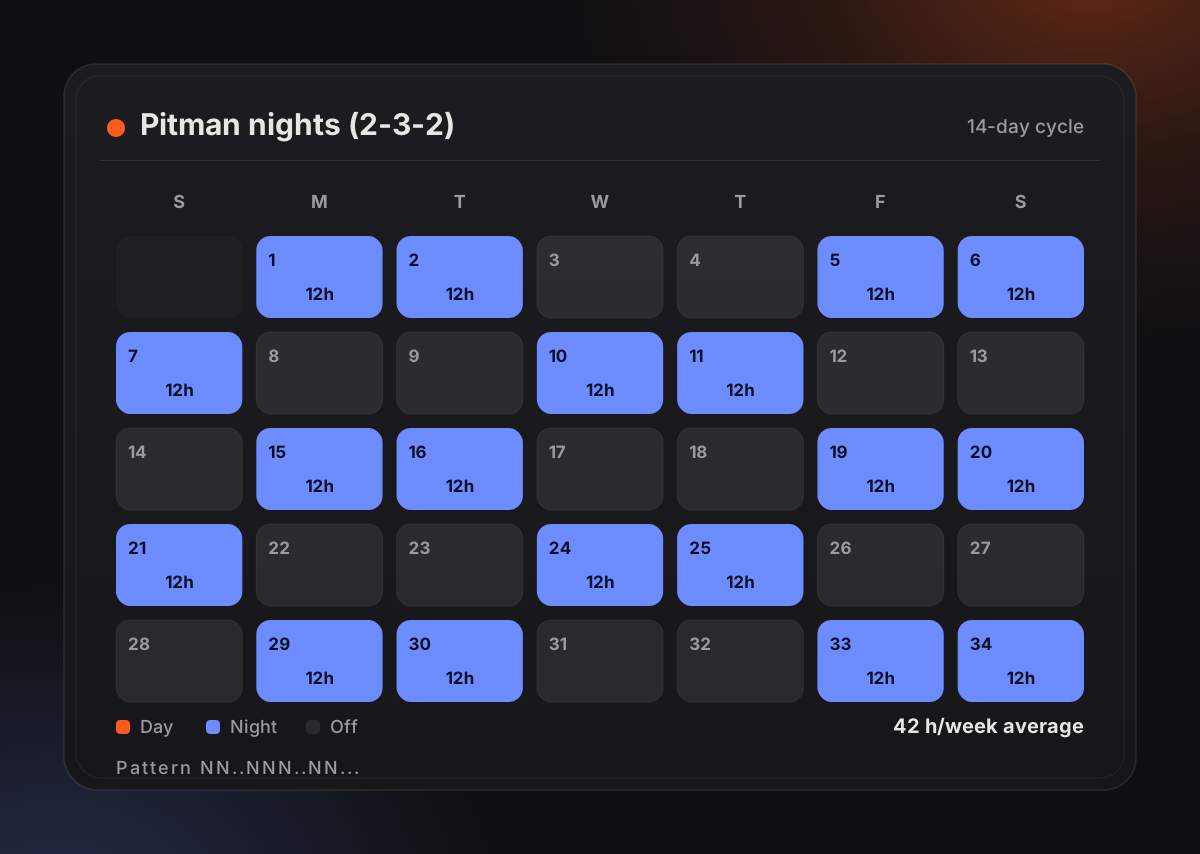
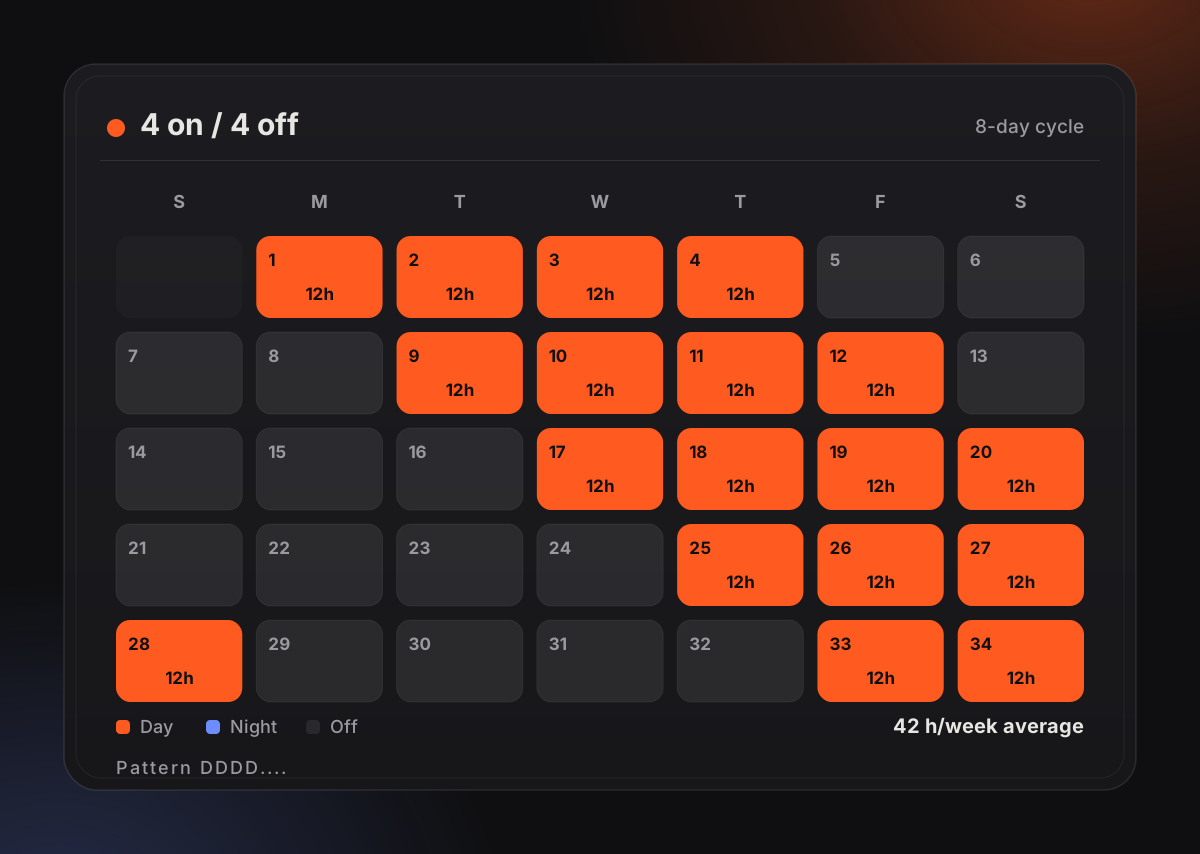
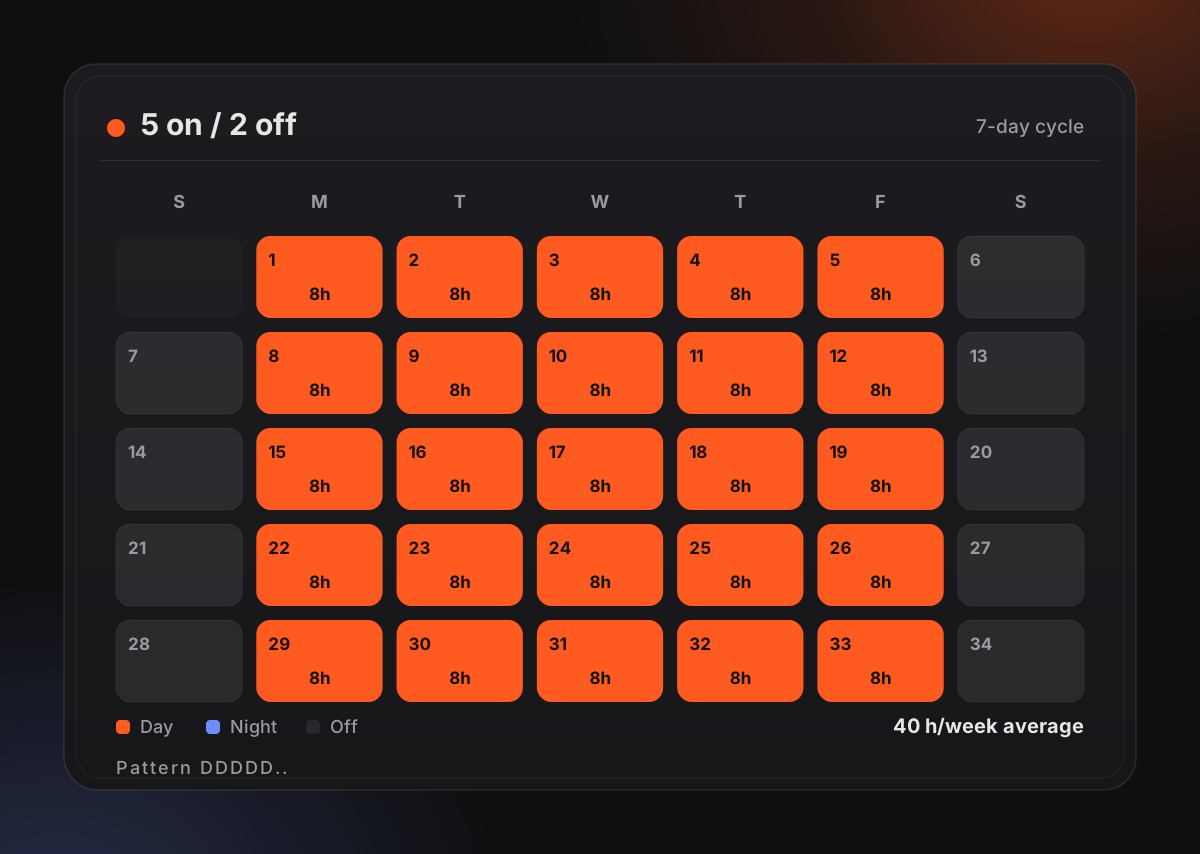
Interactive preview
See your rotation, right now
Pick the schedule you actually work. This is the same maths the app runs — a live duty status, a running countdown, and a colour-coded month you can page through. Nothing is sent anywhere.
0%
Status right now
Off duty
One full cycle
Day shift
Night shift
Off duty
Today
0
Shifts per cycle
0
Days off per cycle
0
Avg hours / week
0
Days in cycle
The interactive rotation simulator needs JavaScript. Every rotation it covers — 24/48, 48/96, Kelly, Panama, DuPont, Pitman, 4 on / 4 off and 5 on / 2 off — is described in full on the rotations page.
Built for real shifts
Everything a rotation needs
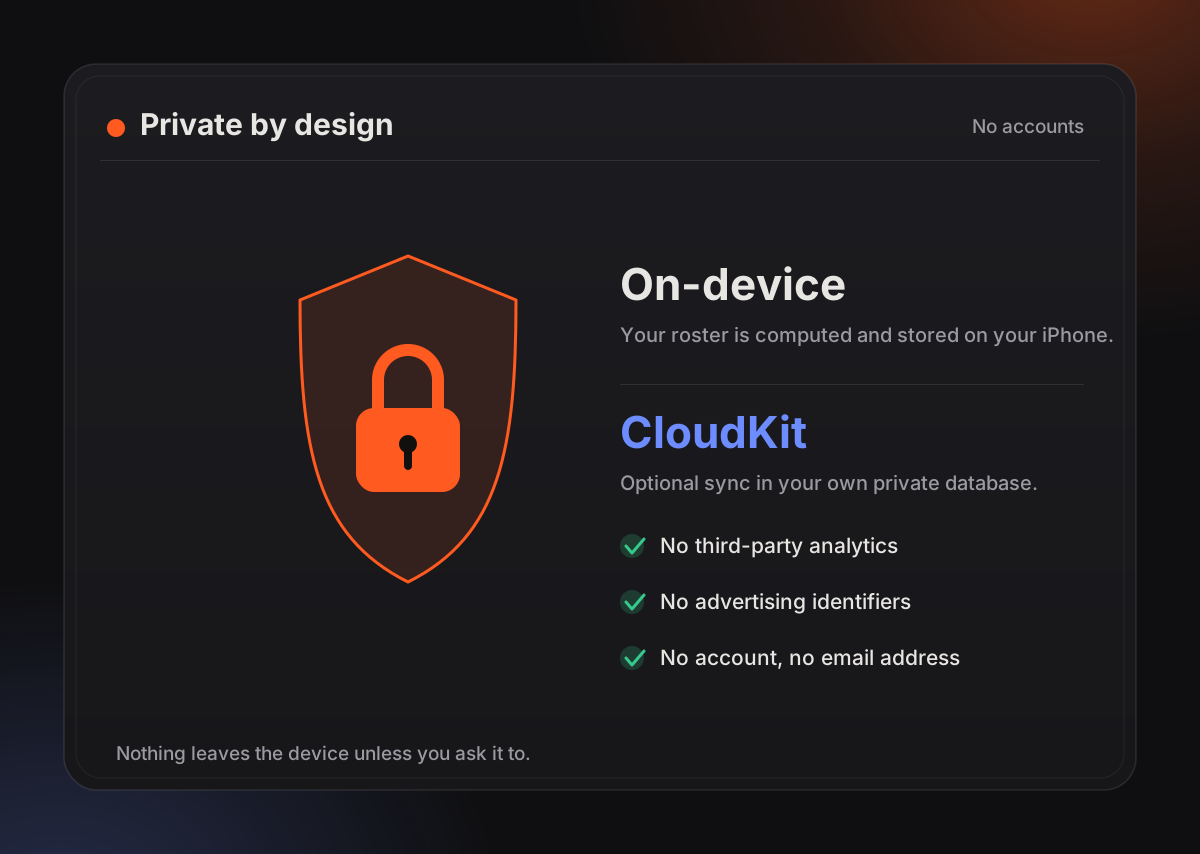
No accounts, no servers holding your data — your schedule lives on your device and syncs privately through your own iCloud. Sharing is opt-in, read-only, and revocable any time.
01 · Dashboard
Know your status
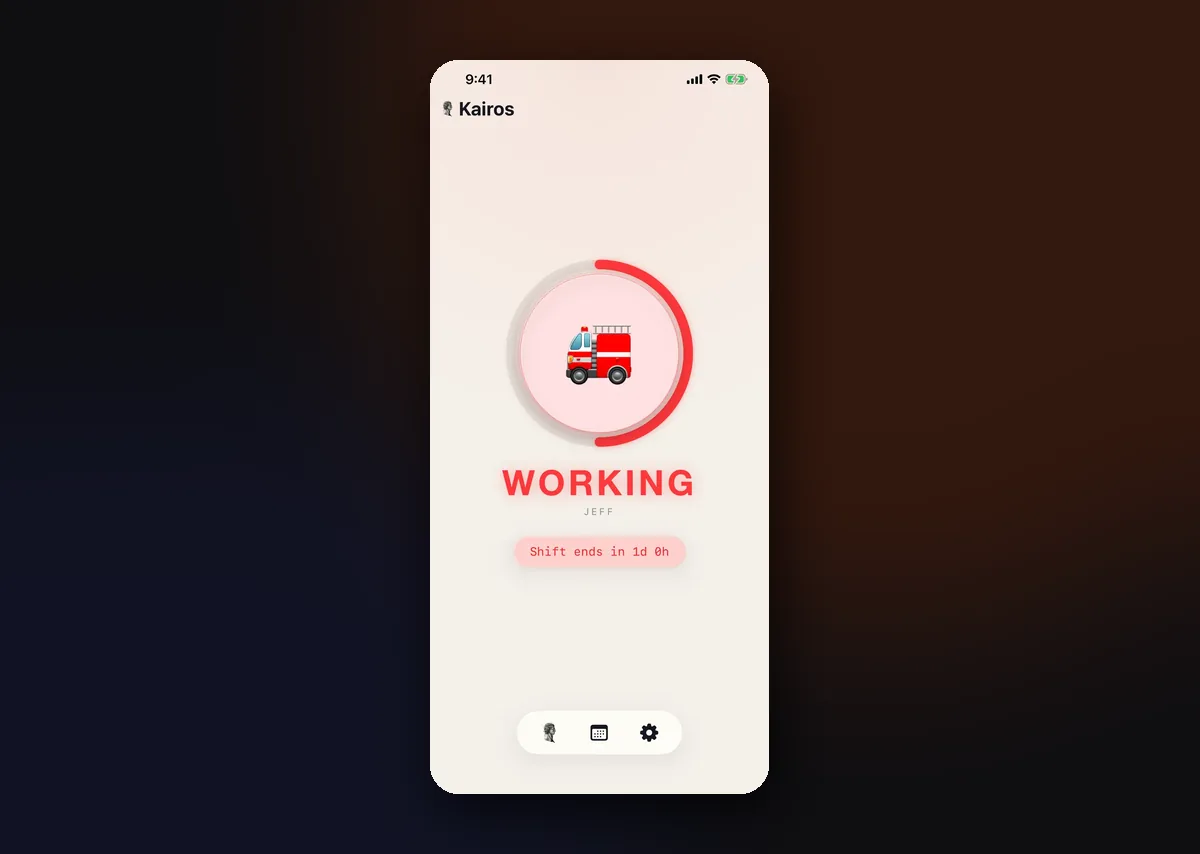
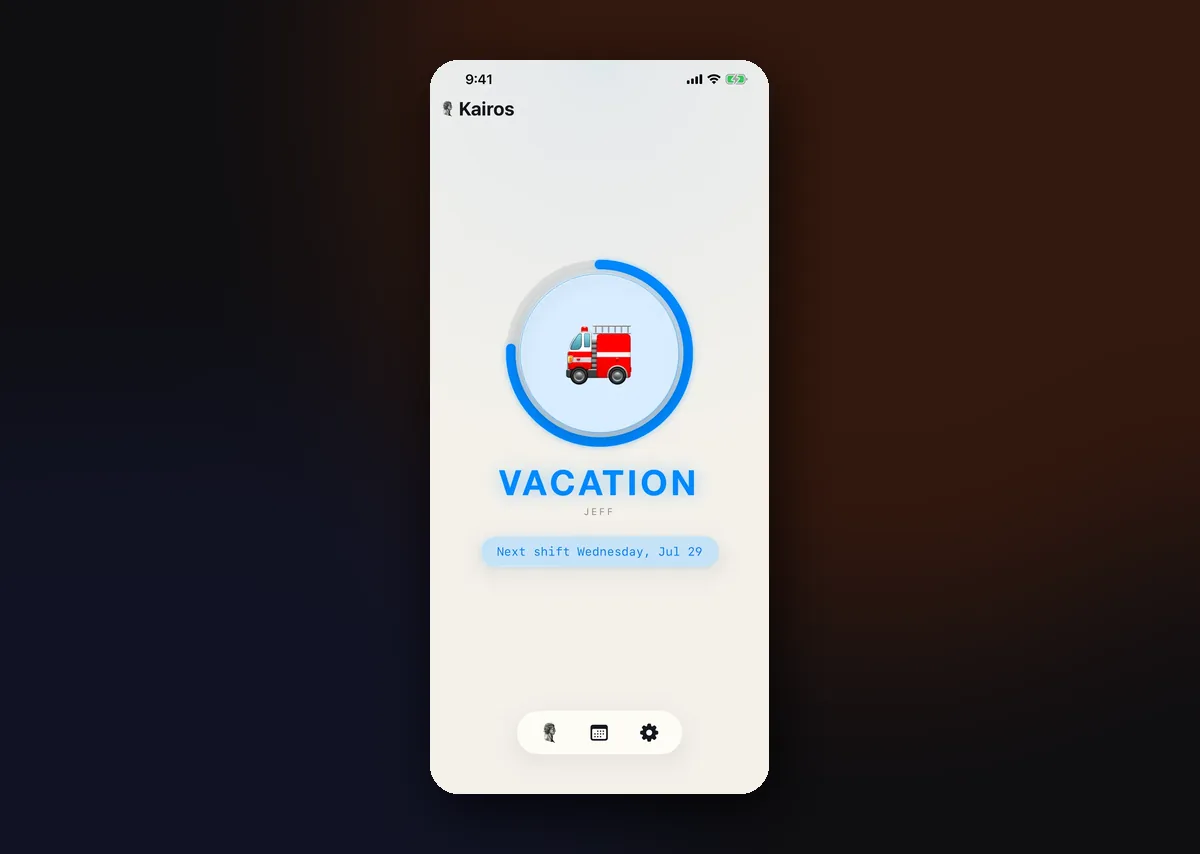
A real-time duty ring and countdown badge shows exactly where you stand in your rotation, at a glance, on iPhone and iPad.
02 · Calendar
Full month control
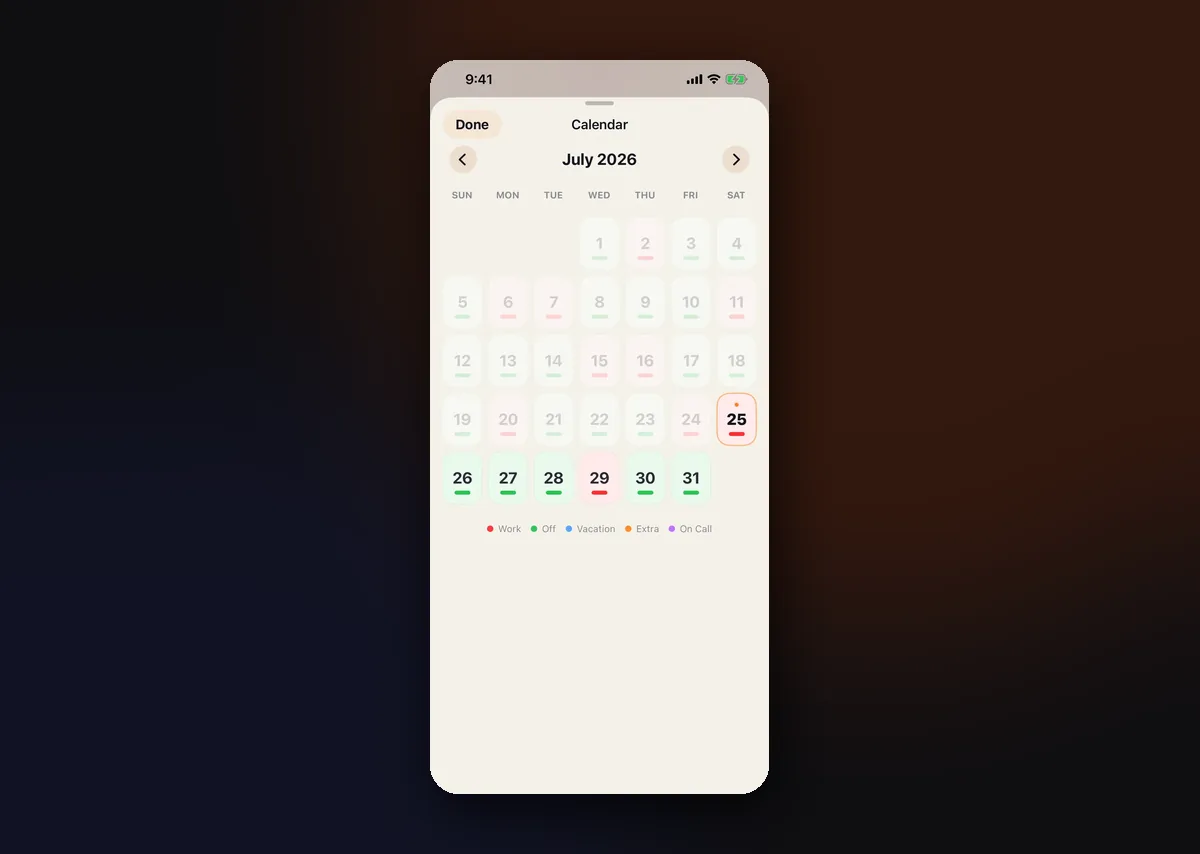
Color-coded month grid with tap-to-override controls for vacation days, extra shifts, and on-call assignments.
03 · Sharing
Share your schedule
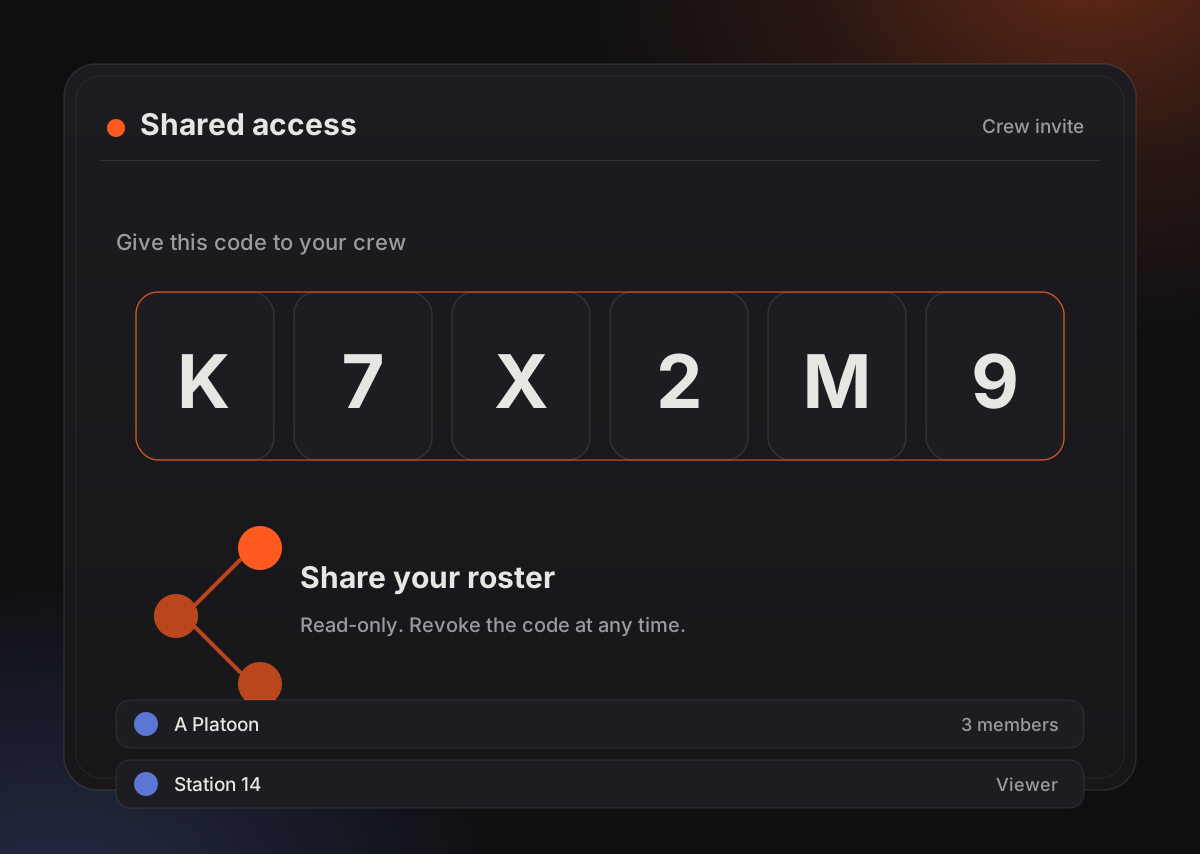
Generate a 6-character access code so coworkers and family can see your availability, read-only, without an account.
04 · Recovery
Private by design
Your schedule lives on your device. AES-256 encrypted recovery keys let you back up and restore across devices without an account.
05 · Apple Watch
On your wrist
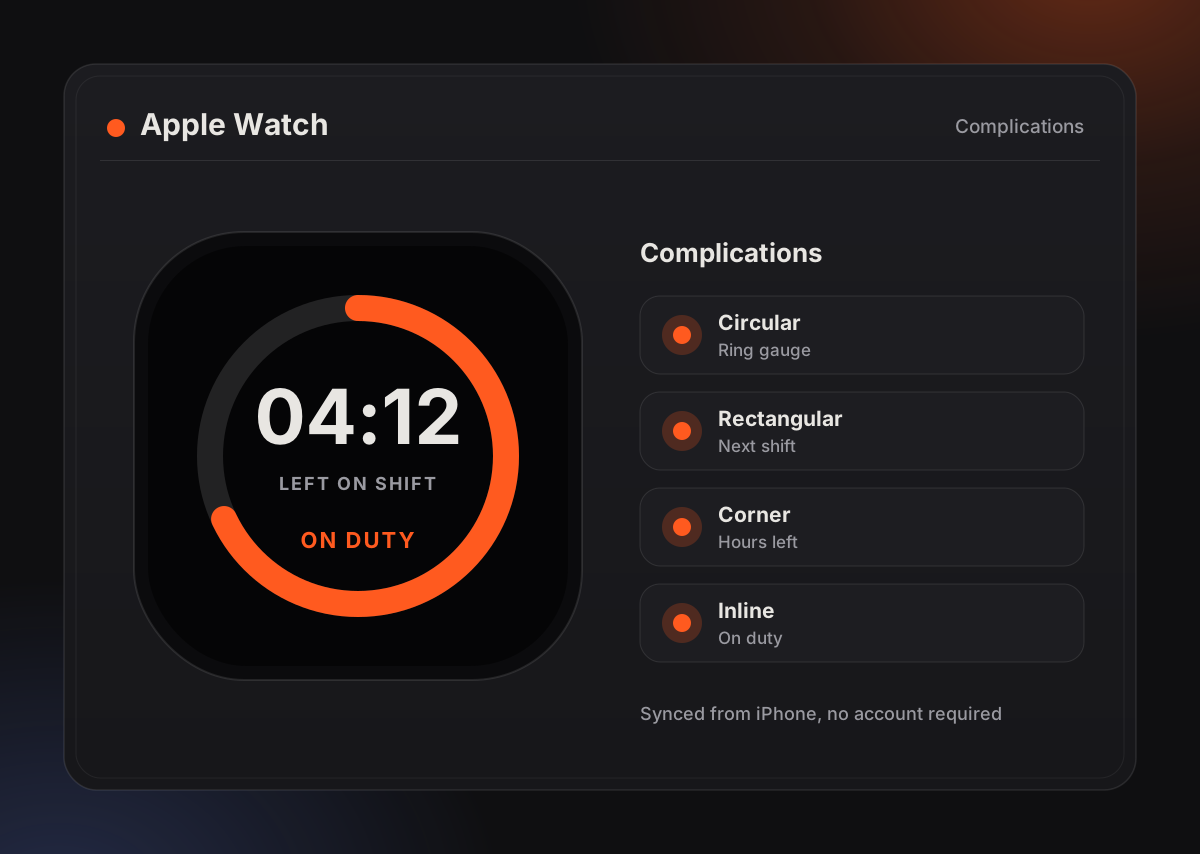
A companion watchOS app with a progress ring, 7-day shift forecast, and full calendar — right where you need it.
06 · Widgets
Home screen, ready
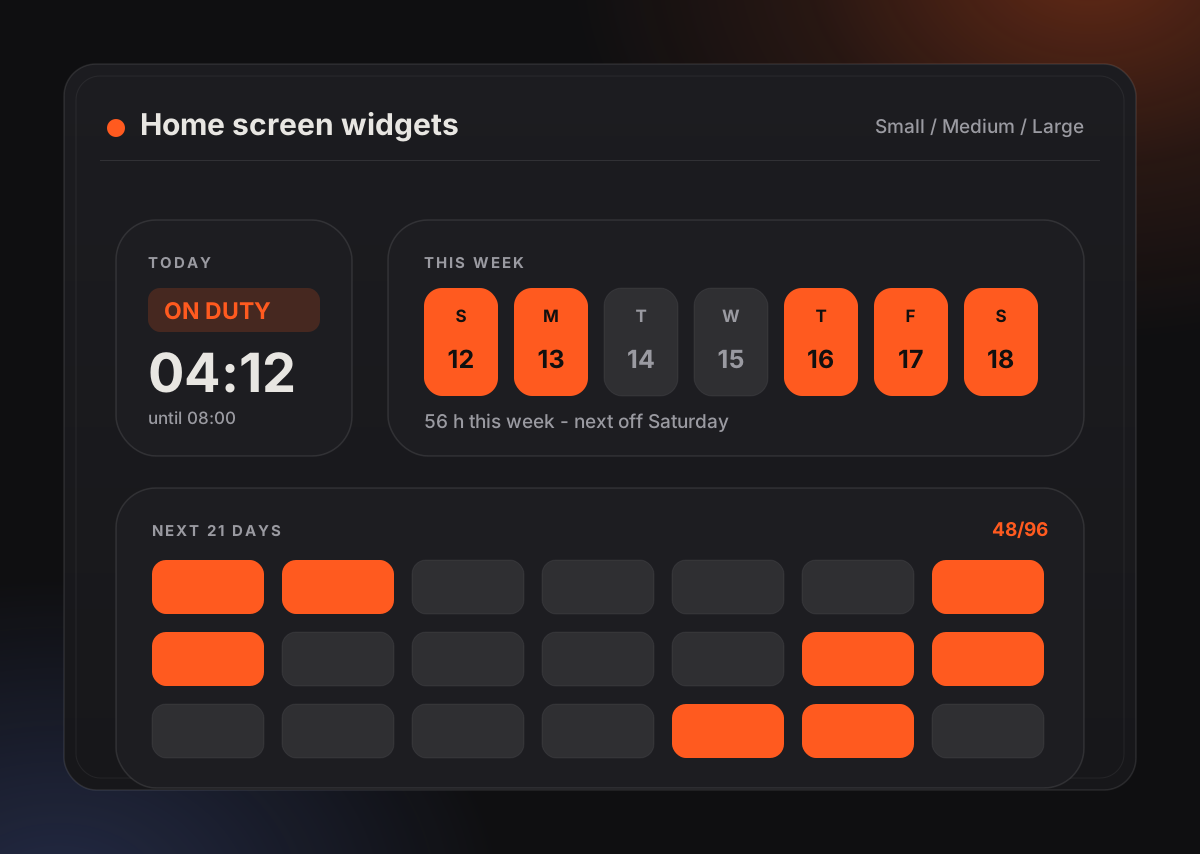
Small, medium, and large widgets with configurable schedule selection keep your status visible without opening the app.
A look inside
Designed to be read in three seconds
Kairos is built so a spouse glancing at a widget, or a crew member checking a shared code, gets the answer immediately. Tap any screen to open it full size.
See the Watch & widgetsSharing, without accounts
One code. That's the whole setup.
Your family does not sign up for anything. You generate a code, you text it to them, and their copy of Kairos starts showing your live status. Roll a sample code below to see the format.
KAIROS
Six characters, no ambiguous letters or digits.
Step 01
Generate
Create a share code from your schedule. It represents a read-only view — never edit access.
Step 02
Send
Text it, say it out loud, write it on the fridge. Six characters is short enough to pass along verbally.
Step 03
Revoke
Change your mind later and the code stops working. Sharing stays opt-in and reversible.
Built with
Native from the ground up
Swift / SwiftUI
WidgetKit
CloudKit Sync
StoreKit 2
CryptoKit AES-256
Liquid Glass UI